
Home › Ford Focus radio code
Ford Focus Radio Code
If the radio in your Focus is asking for a code after a battery change, you can get it from the radio's serial number. Send us the serial and our UK team will look up your Focus radio code and email it to you, free of charge.
- Free, no card details
- Emailed by our UK team
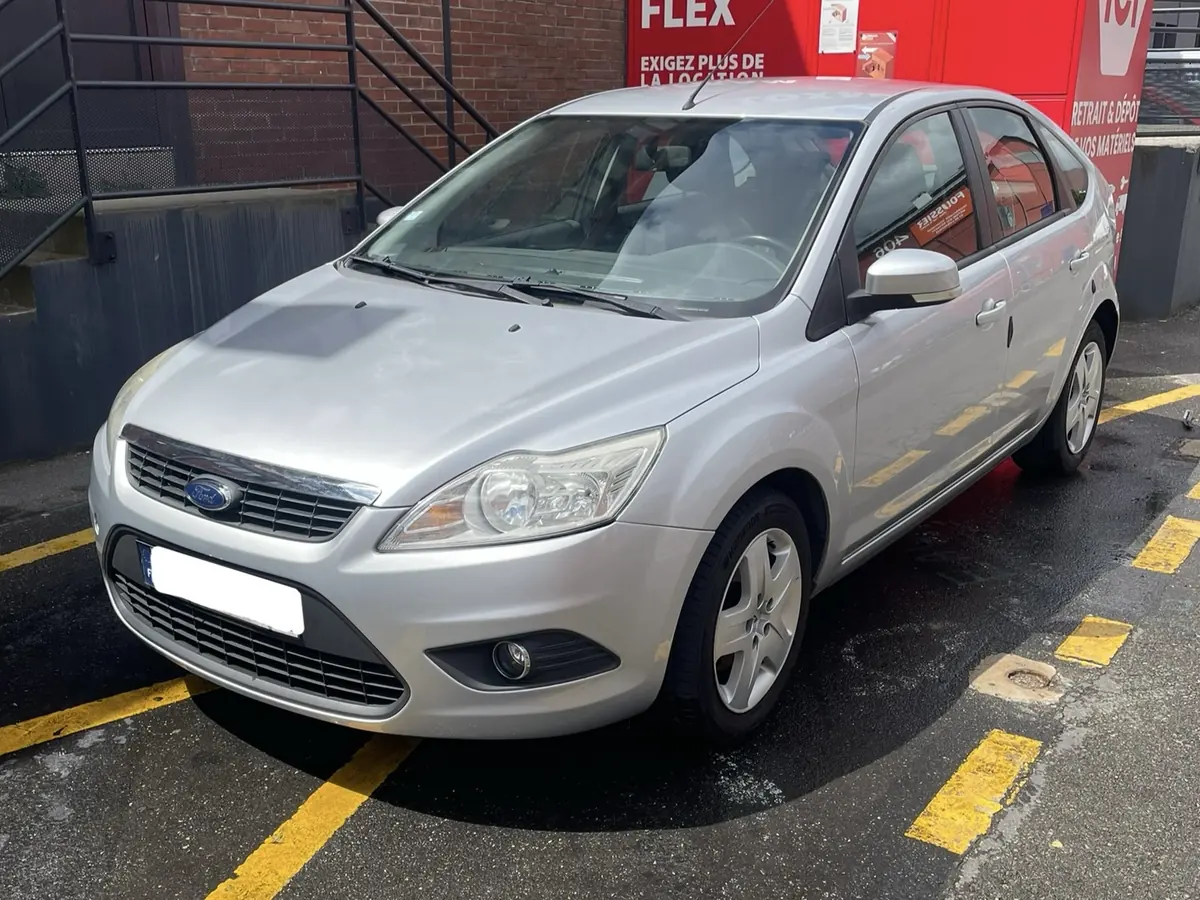
The factory radio sits in the centre of the dashboard. Which unit you have depends on the year and trim, so the sections below show the typical radios for the Ford Focus and how to read the serial from yours.
Skip to the request form if you already have your serial.
Why your Ford Focus radio asks for a code
Focus radios from the pre-SYNC years have an anti-theft lock. Any time the radio loses power (a flat battery, a battery change, a pulled fuse, or the unit being removed), it shows CODE and will not play until the four-digit code for that radio is entered.
The code is tied to the radio, not to the car. A second-hand radio from a breaker therefore has its own code, and your car's original card will not unlock it.
Focus generations and radio fitments
Typical radios by generation are below. Fitment notes on this site describe what is typical. They are not guaranteed: trim level, market and any radio swap during the car's life can change what is fitted, so always use the serial from the radio in your car.
| Generation / years | Typical radios | Serial and how to read it (typical) |
|---|---|---|
| Mk1 (1998 to 2004) | 6000 CD RDS E-O-N, 5000 RDS E-O-N, 4050 RDS E-O-N, 7000 RDS, 6006 CD changer, 9000 VNR navigation | Often an M serial on the label. Some CD units show a V serial on screen (buttons 1 + 6) |
| Mk2 (2004 to 2007) and Mk2.5 (2008 to 2012) | 6000 CD, Sony CD / DAB, 6006 CD, Travelpilot EX / FX / NX | V serial (or SOCD... on Sony units) on screen; Travelpilot BP or C7 serial on the label |
| Mk3 (2011 onwards) | SYNC / SYNC 2 / SYNC 3 | Normally no code needed |
The Mk1 Focus appears with both M and V serials, depending on whether it has a cassette, an early CD radio or a later 6000 CD. Read the serial rather than assuming.
How to find your Focus radio serial number
Try the display first, then the label. The serial is not the Ford part number and not the VIN.
6000 CD and Sony radios
With the radio on and CODE showing, hold buttons 1 and 6 together for a few seconds. On many units the display then shows a serial starting with V (for example V123456), sometimes M, or a longer SOCD... string on some Sony units. Film the screen if it changes quickly.
4500 RDS and some other units
On some units the serial appears with buttons 2 and 6 held together, usually while CODE is displayed. The serial typically starts with M followed by six digits.
Cassette radios and older units
These often do not show the serial on screen. Remove the radio with Ford release keys (it normally slides out) and read the serial from the label next to the barcode.
Travelpilot navigation
Navigation units need removing. The serial is on the label on the case and typically starts with BP or C7. Copy the full string, not the Ford part number.
Not every unit behaves the same, so if a button combination does nothing, use the label. Never use the VIN, the registration or the long Ford part number as the serial.
How to get and enter the Focus radio code
- Find the serial and write it down exactly.
- Open our request form, choose Focus and your year, then pick your radio and enter the serial.
- Add your name and email, tick the consent boxes and send the request.
- Our team looks up the code and emails it to you for free.
Entering the code
- Switch the ignition and the radio on. The display shows CODE, ENTER CODE or ENTER KEYCODE.
- On a typical 6000 CD or similar radio, press preset 1 until the first digit is right, then preset 2 for the second digit, 3 for the third and 4 for the fourth.
- Check all four digits, then press and hold button 5 for a couple of seconds to confirm. The radio should start playing.
Radios with a keypad or touchscreen, such as Travelpilot, use their own entry method instead. If your handbook describes a different method for your radio, follow the handbook.
Troubleshooting: WAIT, LOCKED 10, LOCKED 13
These messages come from the radio's anti-theft system, and the exact behaviour depends on the unit.
- CODE / ENTER KEYCODE: the radio is locked and is waiting for the four-digit code.
- WAIT: the radio is pausing code entry, usually after a wrong code. Do not keep guessing.
- LOCKED (sometimes followed by a number, such as LOCKED 10 or LOCKED 13): the radio is refusing further entries, usually after repeated wrong attempts.
Websites give different waiting times and recovery steps for these messages, and Ford does not publish them for its older radios, so we do not quote a time or a method. If your radio says WAIT or LOCKED, stop entering codes, check the serial you used, and contact a Ford dealer or radio specialist for the safest next step. The best prevention is to take the code from a reliable source and check each digit before you confirm.
Ford Focus radio code FAQ
Where is the code written down?
Ford supplied a Security Code card in the document pack with the car. If you cannot find it, check the handbook wallet and any service book. If it has gone, you need the serial from the radio to get the code again.
Is the Ford radio code really free?
Yes. We do not charge for looking up your code and we never ask for card details. Our team looks each code up by hand and emails it to you, so it does not appear on screen. We cannot promise that every serial number can be found; if we cannot find yours, we will tell you by email.
Will a code from another Ford radio work in mine?
No. The code is tied to the serial number of each radio. If your radio has been replaced, use the serial of the radio that is fitted now.
No serial number on the display?
Not every radio can show it. Cassette radios, many older units and Travelpilot navigation units normally need to be removed so you can read the label on the case. Ford release keys cost a few pounds and the unit slides out without disconnecting anything.
Is it better to use a Ford dealer or an online lookup for my Focus code?
Both can work. Ford says its dealers can supply the code if you cannot find the Security Code card, you need proof of ownership, and the dealer decides any charge. Our service is free and works from the radio serial, but it is done by hand and we cannot guarantee that every serial can be found.
Can I get my radio code from my registration number or VIN?
No. We do not look codes up by registration number or VIN. The code belongs to the radio unit, and a radio may have been replaced during the car's life, so we need the serial number printed on the radio that is in the car now.
Request your free Ford Focus radio code
Free. Our team looks up your code and emails it to you.